Complete Work From More Locations
Give employees access to important workflows when they are in the field, on-site, traveling, or away from their primary workstation.
TRUSTED BY INDUSTRY LEADERS







Selected Work
Explore how Tech.us has helped organizations turn business processes, connected systems, and user requirements into practical applications.
View All Case Studies
A precast concrete manufacturer partnered with Tech.us to bring AI into the estimating workflow. The system uses OCR, computer vision, and generative AI to identify, extract, and visualize structures, pipes, and components from complex construction drawings.
Read the Case Study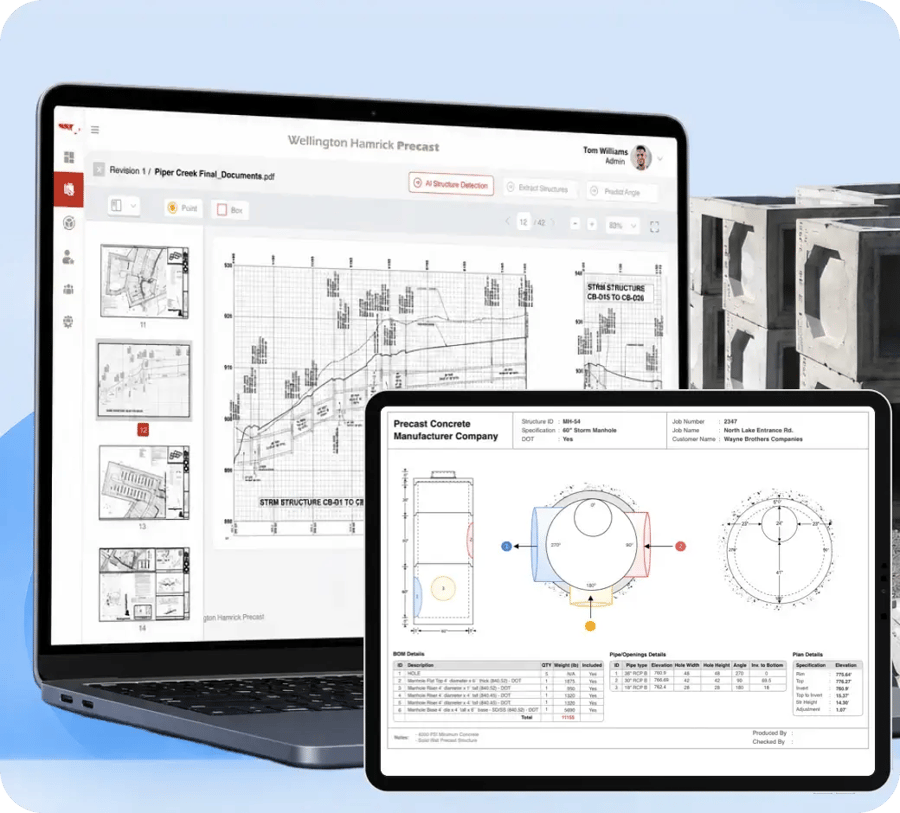

SkyHawk by TELUS needed a streamlined mobile experience for its Connect Anywhere platform. Tech.us built the core experience around real-time asset tracking, fleet activity, secure configuration, and map-based operational visibility.
Read the Case Study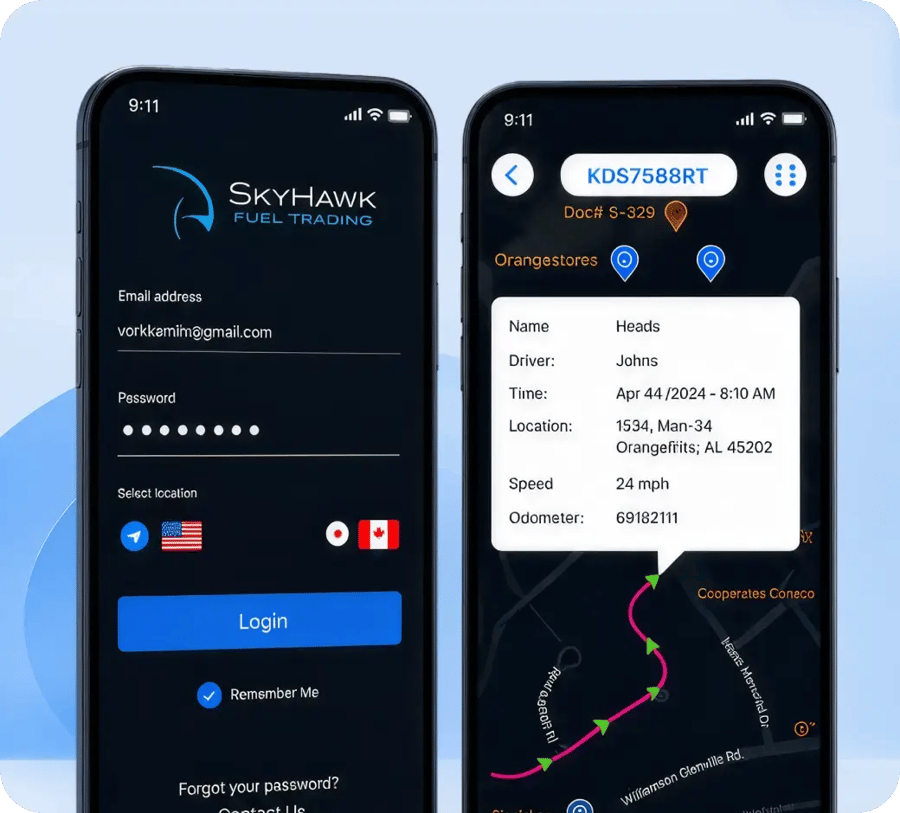

Tech.us helped bring Wealth Mastery to life as a digital platform that puts personalized financial planning tools directly in users' hands while supporting a large and growing audience.
Read the Case Study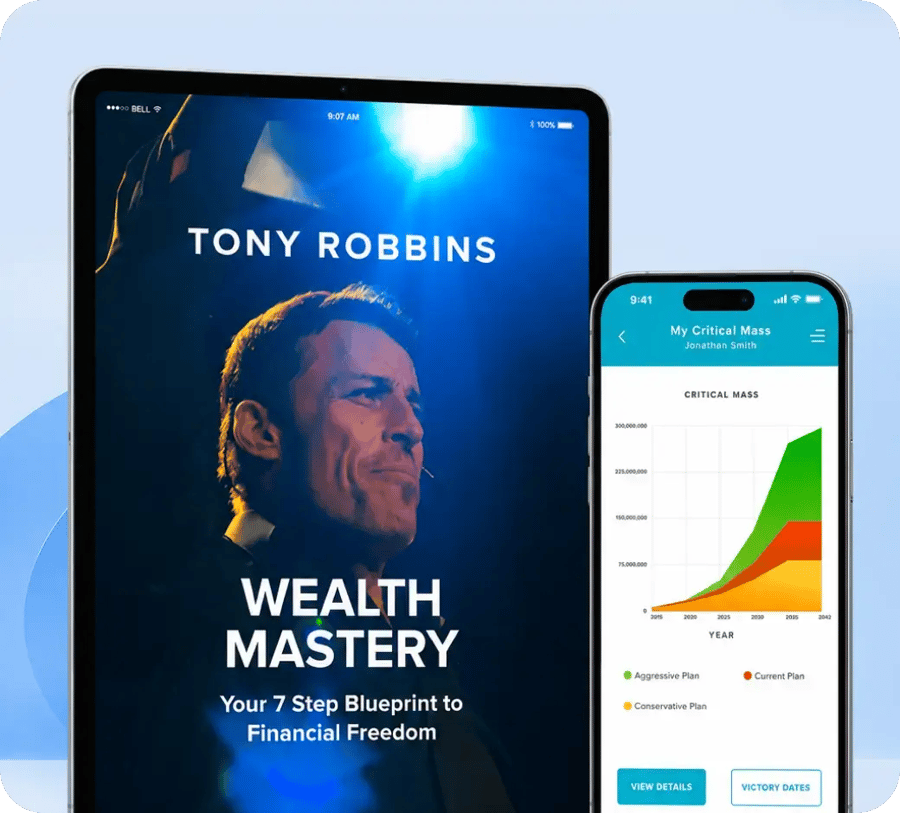
WHY TECH.US FOR ENTERPRISE MOBILE DEVELOPMENT
An enterprise mobile application does not operate in isolation. It has to work with existing systems, access rules, data, users, and processes while remaining practical enough for people to use every day.
We identify what users need to accomplish on mobile before deciding what functionality belongs in the application.
CRM, ERP, databases, APIs, cloud services, and other enterprise technology are considered as part of the application environment.
Application design can account for different users, permissions, and role-based access requirements.
We develop native and cross-platform solutions depending on the iOS, Android, and organizational requirements involved.
Clear navigation and focused workflows help make enterprise applications easier for employees to learn and use.
Support and maintenance allow the application to evolve as business processes, technology, and user needs change.

INDUSTRY EXPERIENCE
The value of a mobile application depends on how well it fits the processes, information, and working conditions of the industry using it.
Explore All Industries Healthcare
Give care and administrative teams mobile access to workflows such as appointments, coordination, operational information, and connected healthcare systems.
Explore Healthcare
Healthcare
Give care and administrative teams mobile access to workflows such as appointments, coordination, operational information, and connected healthcare systems.
Explore Healthcare
 Financial Services and Insurance
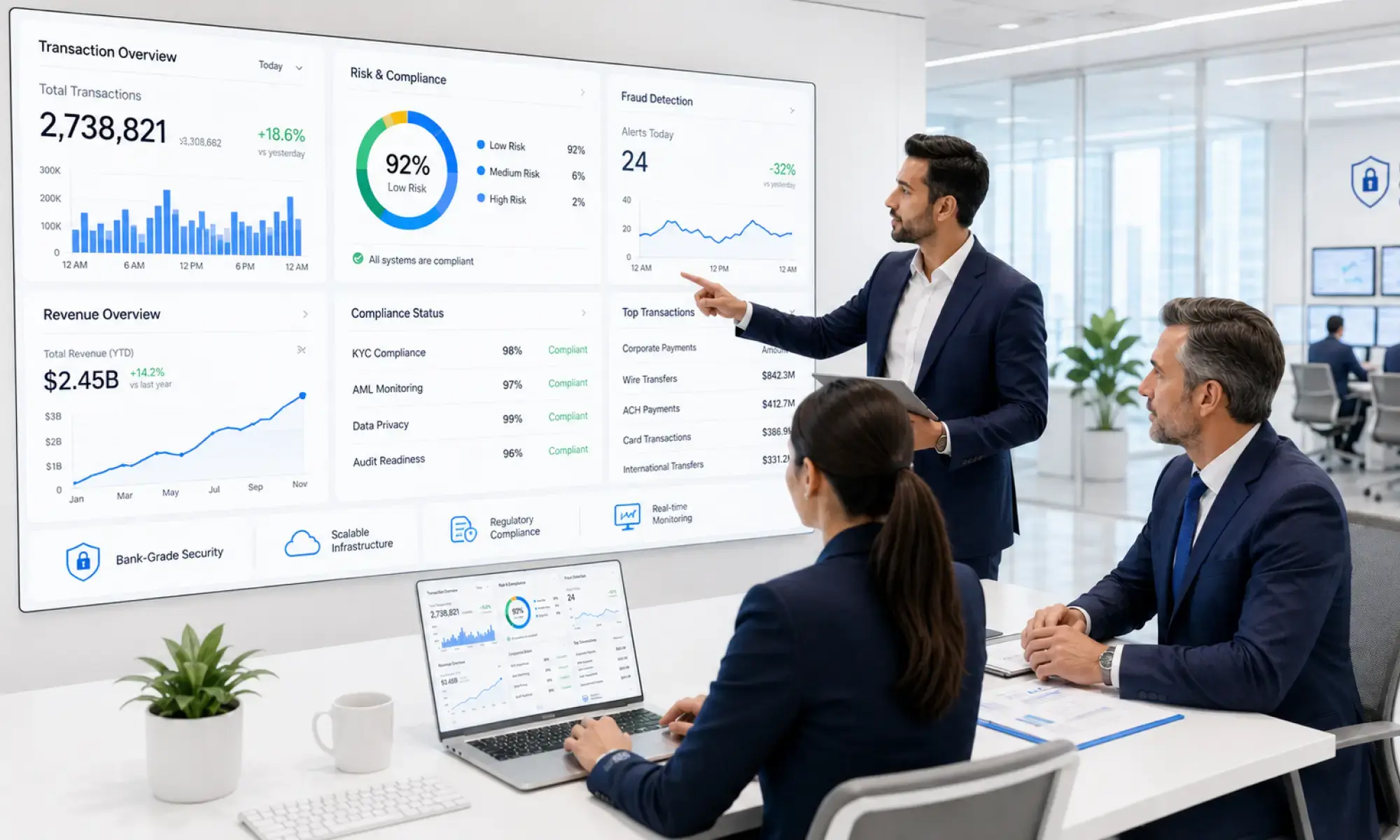
Support secure transactions, approvals, information access, and regulated workflows where users need to act without depending on a fixed workstation.
Explore Financial Services and Insurance
Financial Services and Insurance
Support secure transactions, approvals, information access, and regulated workflows where users need to act without depending on a fixed workstation.
Explore Financial Services and Insurance
 Retail and E-Commerce
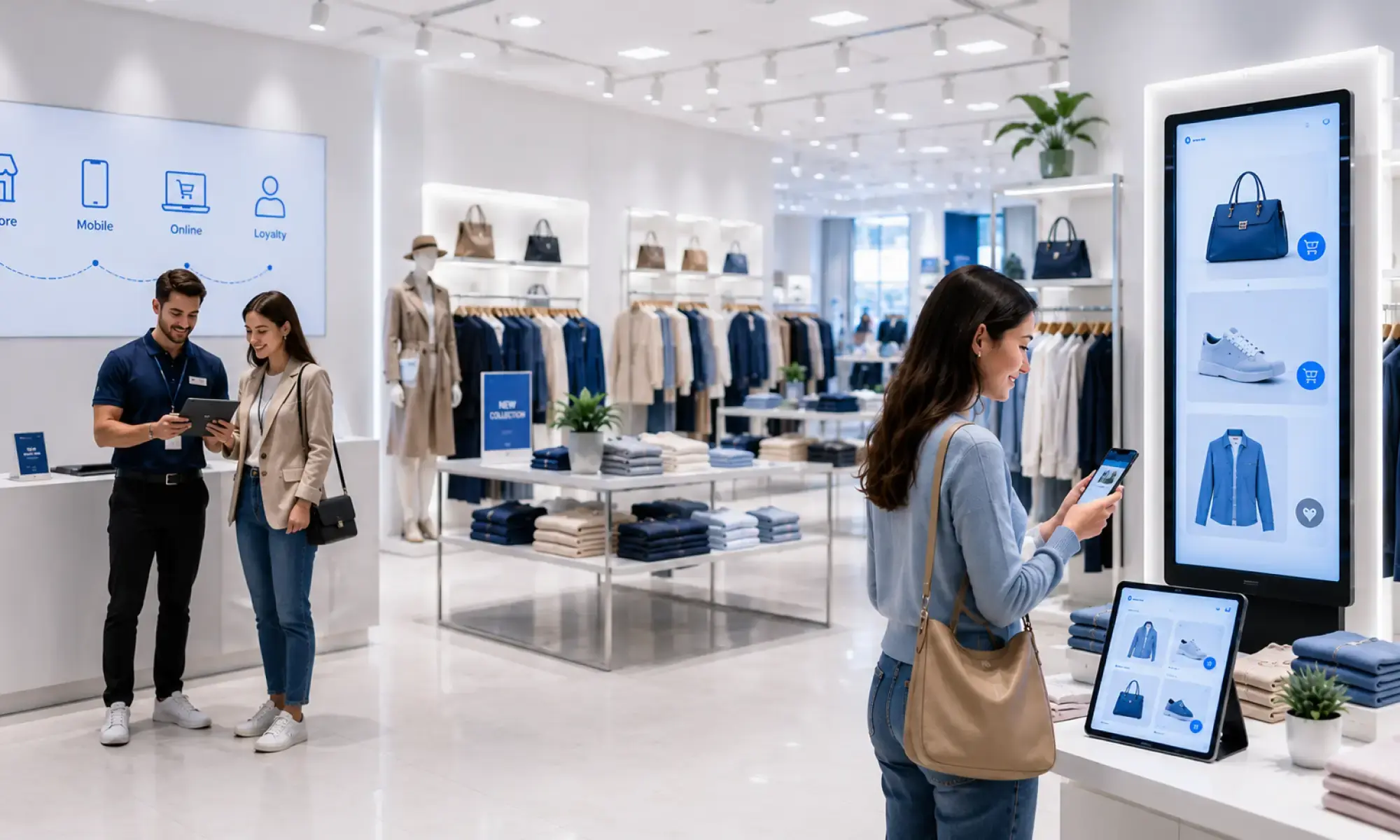
Help teams manage inventory, orders, vendor activity, and supply chain information from locations where the work is taking place.
Explore Retail and E-Commerce
Retail and E-Commerce
Help teams manage inventory, orders, vendor activity, and supply chain information from locations where the work is taking place.
Explore Retail and E-Commerce
 Manufacturing
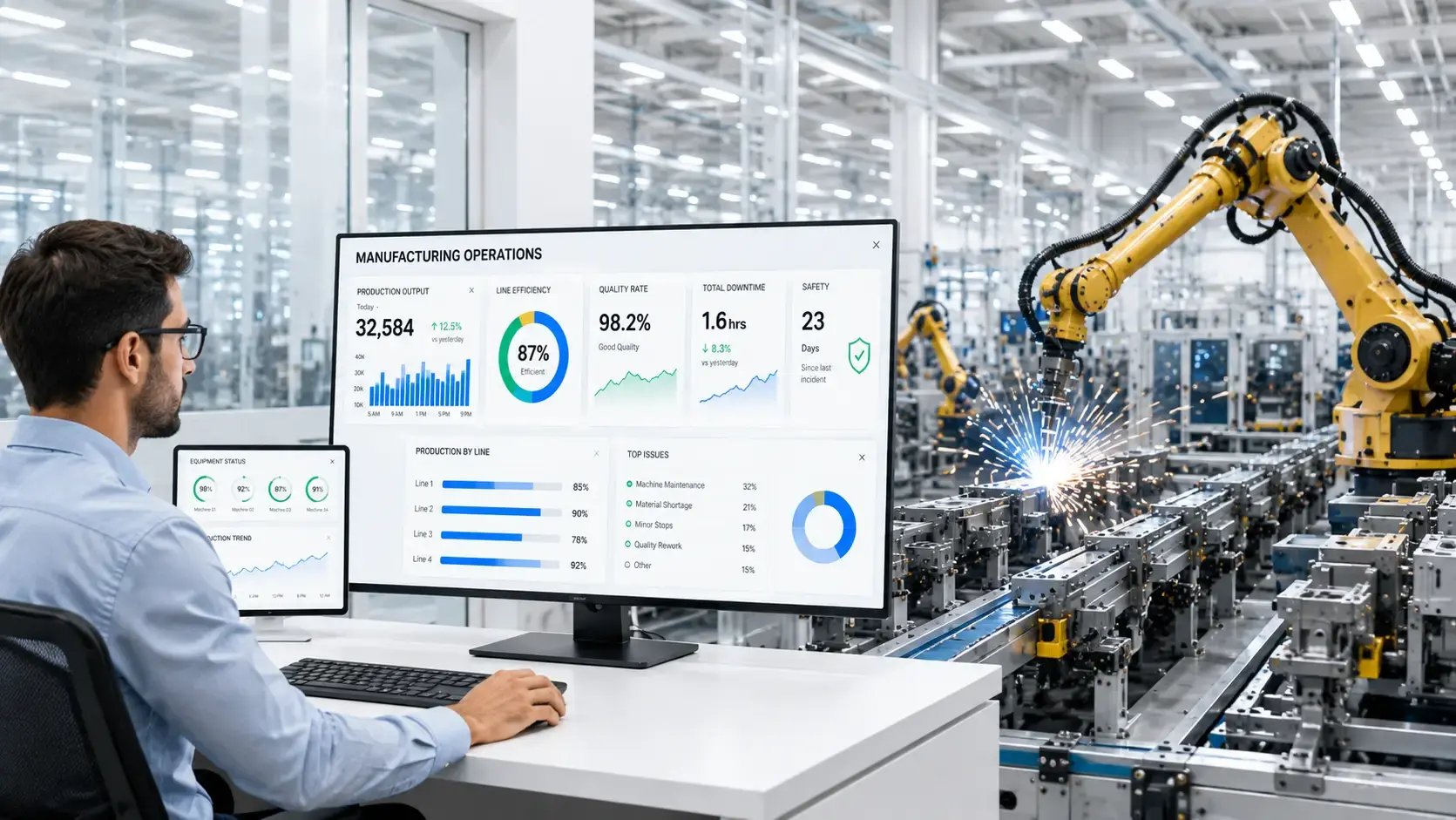
Support production tracking, quality activities, maintenance information, and operational visibility from across manufacturing environments.
Explore Manufacturing
Manufacturing
Support production tracking, quality activities, maintenance information, and operational visibility from across manufacturing environments.
Explore Manufacturing
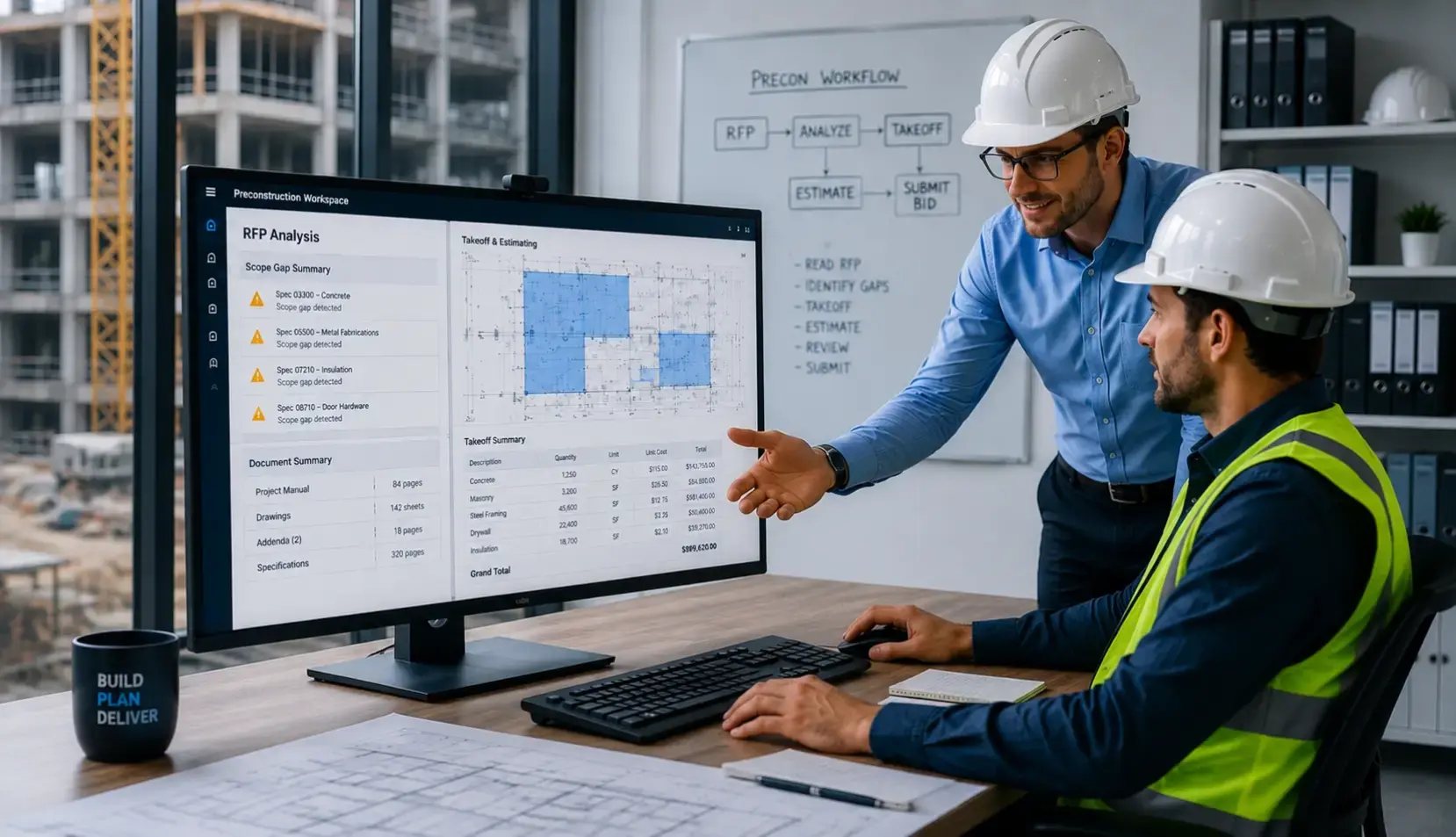 Construction
Give project teams mobile access to budgeting, bidding, documents, reporting, and coordination while working across offices and project locations.
Explore Construction
Construction
Give project teams mobile access to budgeting, bidding, documents, reporting, and coordination while working across offices and project locations.
Explore Construction
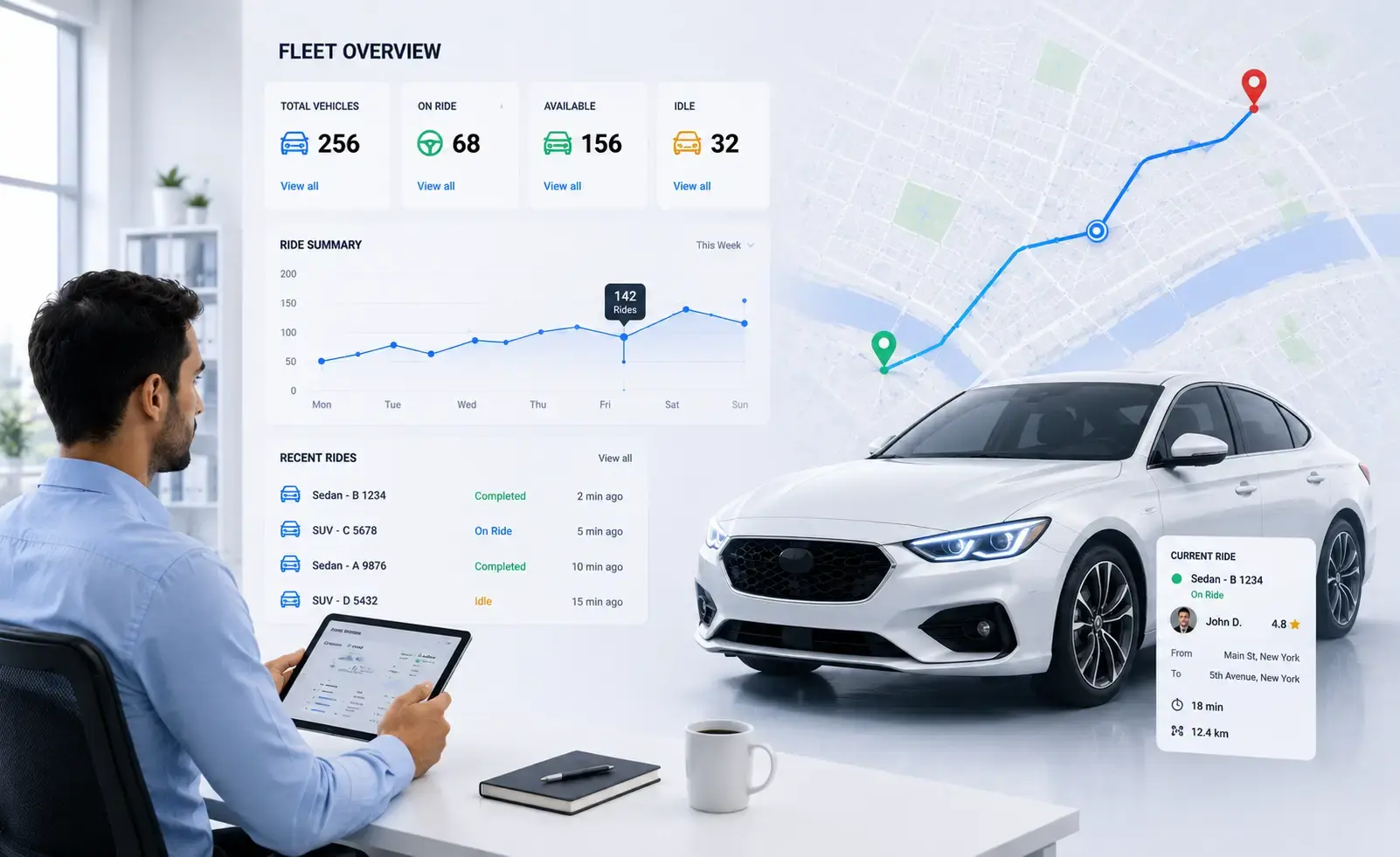 Transportation and Logistics
Provide distributed teams with access to fleet, asset, inventory, and logistics information while operations continue across locations.
Explore Transportation and Logistics
Transportation and Logistics
Provide distributed teams with access to fleet, asset, inventory, and logistics information while operations continue across locations.
Explore Transportation and Logistics
TECH STACK
Enterprise mobile development can involve iOS and Android technologies, cross-platform frameworks, backend services, databases, AI and machine learning, cloud infrastructure, and DevOps tools.
Our stack supports both the mobile experience and the enterprise technology it needs to communicate with.
Agentic AI & Orchestration
 Agentic AI
 AI Agents
 Multi-Agent Systems
 Agentic Workflow Automation
 Model Context Protocol (MCP)
 Agent-to-Agent Protocol (A2A)
 Agent Memory and Reasoning
Generative AI & Foundation Models
 Large Language Models
 GPT
GPT
 Claude
 Gemini
 Llama
Llama
 Generative AI
 Multimodal Foundation Models
 Diffusion Models
 Small Language Models
 Model Fine-Tuning
 Prompt & Context Engineering
Machine Learning & Deep Learning
 Machine Learning
 Deep Learning
 Predictive Analytics
 Recommendation Systems
 Anomaly Detection
 Time-Series Analysis
Data & AI Platforms
 AI-Ready Data Platforms
 Data Lakes and Lakehouse
 Data Engineering
AI Frameworks & Libraries
 PyTorch
 TensorFlow
 Scikit-learn
 Hugging Face Transformers
 LangChain
 LangGraph
MLOps, LLMOps & AgentOps
 MLOps
MLOps
 LLMOps
 AgentOps
 Model Deployment and Serving
 Agent Deployment
 Model and Agent Observability
 Prompt and Response Tracing
 AI Cost Optimization
AI Evaluation, Safety & Governance
 LLM Evaluations
Agent Evaluations
LLM Evaluations
Agent Evaluations
 RAG Evaluations
 AI Guardrails
 Prompt-Injection Protection
 Red Teaming
 Responsible AI
 AI Governance
Cloud AI Technologies
Google Cloud
 Vertex AI
Gemini Models
Vertex AI
Gemini Models
 Agent Studio
 Vertex AI Agent Builder
 Agent Development Kit
 Vertex AI Vector Search
 Google Cloud Document AI
 Google Cloud Vision AI
Microsoft Azure
 Microsoft Foundry
 Microsoft Copilot Studio
 Microsoft Agent Framework
 Azure AI Document Intelligence
 Azure AI Speech and Vision
 Microsoft Fabric
 Microsoft Purview
Language, Vision, Speech & Document AI
 NLP, NLU and NLG
STT, TTS and ASR
NLP, NLU and NLG
STT, TTS and ASR
 Conversational AI
 Document Intelligence
 Computer Vision
RAG, Search & Knowledge Systems
 Enterprise RAG
 Agentic RAG
 Multimodal RAG
 Enterprise Search
 Semantic & Hybrid Search
 Vector Databases
 Knowledge Graphs
 Reranking and Retrieval Optimization
RECOGNITION
Explore the awards and industry recognition associated with Tech.us.
.webp)
.webp)