Overview
- Sales teams pull up customer records before a meeting.
- Managers approve requests from their phones.
- Field workers update service reports instantly.
- Executives review real-time dashboards while traveling.
What is Enterprise Mobile App Development and How is it Different from Regular Mobile Apps?
Why Do Businesses Build Enterprise Mobile Apps?
- A sales representative accesses CRM data before a client meeting
- A field technician updates a service report on-site
- A warehouse manager checks inventory levels instantly
- A manager approves requests while traveling
How are Enterprise Apps Different from Consumer Apps?
| Consumer Mobile Apps | Enterprise Mobile Apps |
|---|---|
| Built for the general public | Built for employees, partners, or internal teams |
| Focus on engagement and usability | Focus on productivity and workflows |
| Limited integration with systems | Deep enterprise app integration with CRM, ERP, and other platforms |
| Standardized features for mass users | Custom features aligned with enterprise mobility strategy |
| Public data usage | Secure access to sensitive business data |
In simple terms, consumer apps serve customers, while enterprise mobile solutions support business operations.
That distinction explains why companies increasingly invest in enterprise mobility platforms and custom enterprise mobile apps. These tools are designed to support how modern organizations work, collaborate, and make decisions in real time.
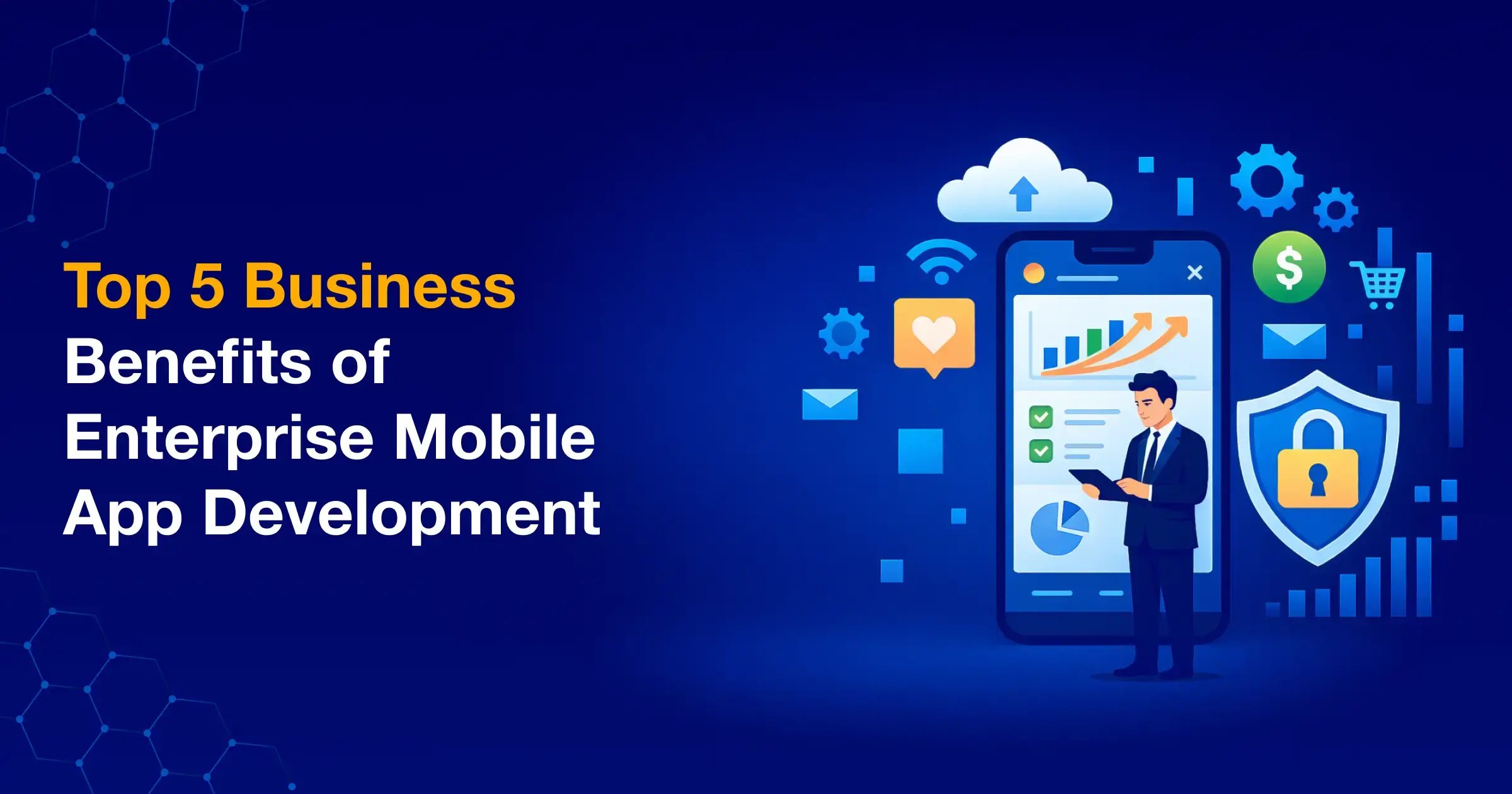
5 Powerful Business Benefits of Enterprise Mobile App Development
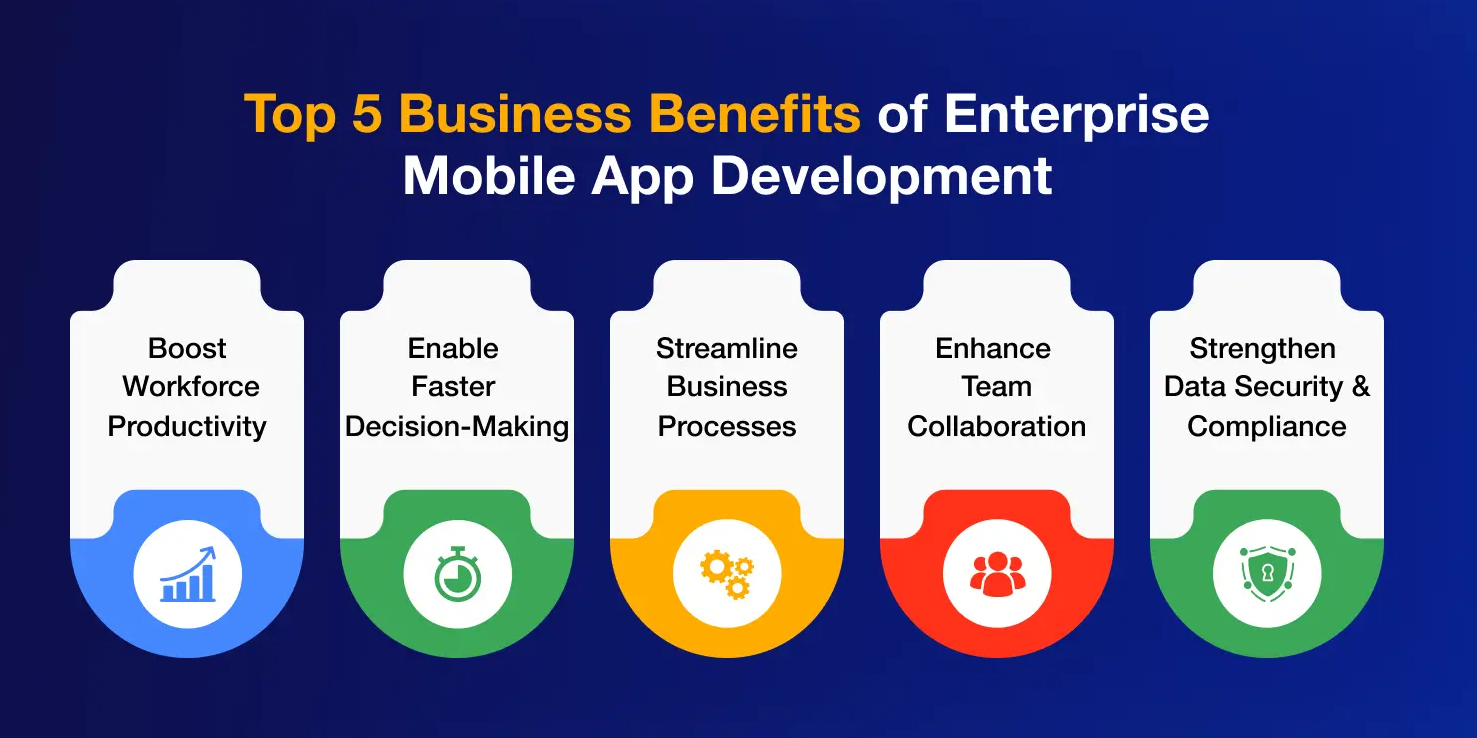
Enterprise leaders often ask a simple question. What real business value do enterprise mobile apps deliver?
The answer becomes clear when you look at how modern organizations operate. Teams move fast. Data changes constantly. Employees work from many locations. Desktop-only systems struggle to keep up with this reality.
That is where enterprise mobile app development becomes important. Well-designed enterprise mobile apps connect employees, workflows, and business data directly to their mobile devices. The result is faster execution, better visibility, and smoother collaboration.
Let us look at the five most meaningful enterprise mobile app benefits that businesses experience in practice.
1. How Do Enterprise Mobile Apps Improve Workforce Productivity?
- Mobile access to CRM and ERP platforms
- Real-time dashboards and reporting tools
- Task updates directly from mobile devices
- Remote approvals for internal workflows
- Mobile access to documents and project data
2. How Do Enterprise Mobile Apps Enable Faster Decision-Making?
Through enterprise app integration, mobile applications connect directly with analytics platforms, operational systems, and business databases. This means decision-makers can view insights the moment they need them.
- Real-time mobile dashboards for business metrics
- Instant alerts and notifications for operational events
- Mobile access to analytics and performance reports
- Live updates from enterprise systems
- Data visualization optimized for mobile screens
3. Can Enterprise Mobile Apps Streamline Business Processes?
With the right enterprise mobility platform, employees can complete routine processes directly from their phones. This reduces friction across departments and speeds up execution.
- Field service reporting
- Inventory updates and stock checks
- Expense approvals and reimbursements
- Service ticket creation and resolution
- Customer support case updates
4. How Do Enterprise Mobile Apps Improve Collaboration Across Teams?
Enterprise mobile apps help solve this by giving employees a shared platform for collaboration. Everyone can access the same data, workflows, and updates regardless of location.
- Shared dashboards for project tracking
- Internal messaging and communication tools
- Workflow updates visible across teams
- Mobile access to shared documents
- Real-time progress updates from field teams
Think about field employees who rarely sit at a desk. Mobile apps allow them to stay connected with office teams and leadership.
5. How Do Enterprise Mobile Apps Strengthen Data Security and Compliance?
Security is one of the biggest concerns for enterprise leaders adopting mobile technologies. Business systems often contain sensitive data such as customer records, financial information, and operational insights.
- Role-based access control for different user groups
- Encrypted communication between devices and servers
- Secure authentication methods such as multi-factor login
- Mobile device management and security policies
- Secure APIs for enterprise system integration
Consider employees accessing internal systems from different locations. Enterprise mobile applications ensure that only authorized users can view or update critical data.
How to Know If Your Business Needs an Enterprise Mobile App
Many leaders ask a practical question at some point. Do we really need an enterprise mobile app?
- Employees depend on spreadsheets or emails to manage workflows
- Field teams cannot access internal systems in real time
- Managers wait for reports before making decisions
- Teams struggle to track updates across departments
- Internal approvals slow down daily operations
- Employees frequently switch between multiple systems
- Your workforce increasingly operates outside the office
In a Nutshell
Enterprise mobility is changing how modern organizations operate. Teams expect instant access to systems. Leaders expect real-time insights. Traditional desktop workflows struggle to keep up with this pace.
- giving employees mobile access to business systems
- improving workforce productivity
- enabling faster decisions with real-time data
- strengthening collaboration across teams
FAQs
There is no fixed number. The cost depends on how complex the app is and how many systems it connects with. A simple internal app may take a smaller budget, while a large enterprise platform can require a bigger investment.
Yes, many enterprise mobile apps support offline use. Employees can still capture data, fill forms, or update tasks when they are offline. Once the device reconnects, the app syncs everything automatically.
It depends on what the business needs. Native apps usually offer stronger performance and device features. Cross-platform apps are faster to build and can run on both Android and iOS with a single codebase.
Many teams rely on them. Sales teams check customer data, field technicians update job reports, and managers review dashboards. Anyone who needs quick access to business systems on the move can benefit from these apps.
Start with the basics. Identify the business problem you want the app to solve. Then look at workflows, system integrations, and who will use the app daily. Clear goals make the development process much smoother.
Yes, they do. Business systems evolve, security standards change, and users request new features. Regular updates keep the app secure, stable, and aligned with how the organization actually works.